Introducing WooCommerce Product Size Chart
Create clear, customizable size charts for your WooCommerce store with the WooCommerce Product Size Chart by WooNinjas.
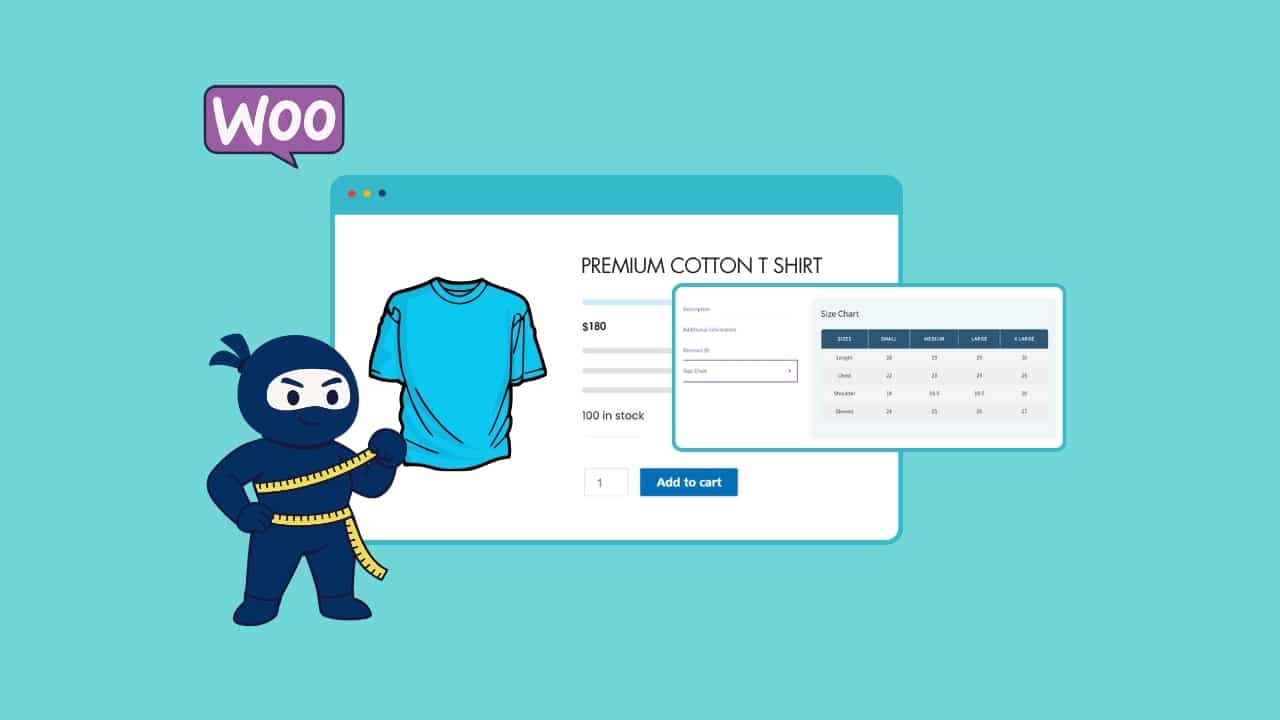
Without a doubt, the WooCommerce Product Size Chart is the perfect tool to help your online store present sizing information with clarity and style. Just imagine giving your customers the exact measurements they need, whether it’s clothing, shoes, or any product where size really matters, without endless confusion, sizing mistakes, or unnecessary returns. That’s exactly what this add-on does. You’ll be able to boost customer confidence, reduce returns, and deliver a smooth shopping experience. It’s a game-changer for apparel brands, footwear retailers, and any store that deals with size-based products.
Simplify Every Step of WooCommerce Product Sizing
Creating and displaying product size charts doesn’t have to be complicated. The WooCommerce Product Size Chart gives you the tools to manage everything directly from your WooCommerce dashboard, whether you need one global chart or multiple charts tailored to specific products and categories.
Unlimited Size Charts
With just a few clicks, you can create unlimited-size charts. Add detailed titles, unit options, chart images, and tables that accurately explain your product sizes. Each chart can be assigned to individual products or categories.

Flexible Display Options
Show your size charts in the way that best fits your store, either in a separate tab or as a pop-up modal. You can even customize the button placement so customers can view size details before or after the “Add to Cart” button.

Full Customization
Make your charts look and feel like part of your store. Customize button colors, modal headers, background colors, table borders, text styles, and even row colors. You can also adjust pop-up width, position, and animations for a polished user experience.

Multiple Units for Accuracy
Support customers around the world by offering size charts in different measurement units (such as cm and inches). Easily add alternative unit tables and let shoppers switch between them.

Automatic Media Cleanup
When the add-on is uninstalled, you can choose to automatically remove all chart images that were uploaded via the plugin from your WordPress media library. This keeps your site clean and avoids unnecessary clutter.

Easy Import & Export
Manage your size charts efficiently with the ability to import and export them in JSON format. Need to reuse charts across multiple stores or quickly back them up? It’s all possible with a few clicks.
Looking for a Ready-Made Solution?
Explore our WordPress, WooCommerce, and LMS plugins built to extend functionality without custom development.

Why You’ll Love the WooCommerce Product Size Chart Add-On by WooNinjas
Running your store becomes much easier and more reliable with this add-on. Here’s why store owners love it:
1. Reduce Returns and Exchanges
By showing clear and accurate sizing details, you minimize the chances of customers ordering the wrong size.
2. Build Customer Confidence
Your shoppers will feel more confident when they can check the exact fit before purchasing.
3. Save Time with Simple Setup
Charts are easy to create, publish, and update; no technical expertise is required.
4. Works for Any Store Type
From apparel to accessories, footwear to equipment, this add-on adapts to any product type where size is key.
5. Seamlessly Integrated with WooCommerce
You don’t need third-party software. The add-on runs right inside your WooCommerce store, with all settings accessible in your familiar dashboard.
Trusted by WooCommerce Stores Worldwide
WooNinjas plugins are trusted by thousands of store owners for their:
- World-class support
- Reliable, well-tested software
- Continuous updates and improvements
Need Custom Features?
So, do you want to take your size charts further? The WooNinjas team offers custom development to personalize the Product Size Chart add-on to your unique needs, whether that’s advanced unit conversions, store-wide styling, or integrations with other plugins. Submit a request below and we’ll get back to you within 24-48 hours.
Time to Size with Confidence
Do you want to help your customers choose the right size every time and reduce costly returns? The WooCommerce Product Size Chart certainly makes it easy. You can create unlimited-size charts, customize them to match your store, and display them exactly where shoppers need them most.
Need Ongoing WordPress Maintenance & Support?
We handle updates, performance monitoring, security hardening, and technical fixes so your WordPress and WooCommerce site stays stable and secure.

5 LLM SEO Tools Worth Trying for Your WordPress Site in 2026
Compare the best LLM SEO tools for WordPress in 2026: Peec AI, Otterly AI, Profound, Rankability, and AthenaHQ. Find the…
Read More...
WordPress MCP Plugin vs MCP Adapter: Which One Fits Your Site
WordPress MCP Plugin vs. MCP Adapter: a plugin is fast to install, the adapter is official and built on the…
Read More...
Managing WooCommerce Products with MCP: Add, Update & Sync via AI
See how a WordPress MCP server lets AI add, update, and sync WooCommerce products, what's possible today, and where the…
Read More...
