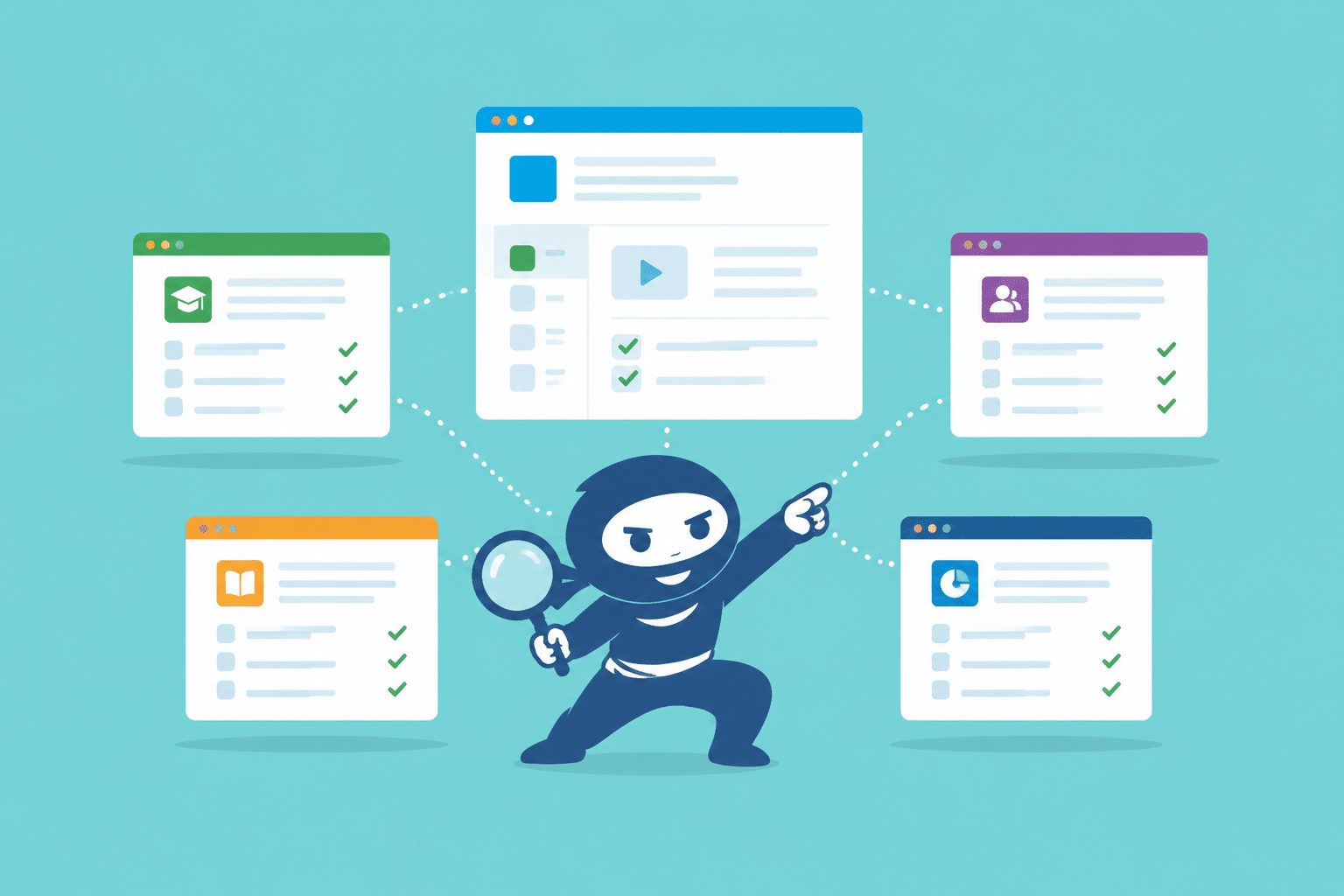
LearnDash is one of the most popular Learning Management Systems (LMS) for WordPress. Businesses, schools, and training companies love it because it is flexible, powerful, and easy to use. But if you are already using a different LMS like Moodle, Teachable, or TalentLMS, you might be wondering how to move your content and students over. This is where LearnDash Migration comes in.

You have two main choices:
- LearnDash Migration – move your existing courses, lessons, quizzes, users, and progress data into LearnDash.
- Starting Fresh – build a completely new LearnDash site from scratch with only the content you want to keep.
Both options work, but they solve different problems. This guide will help you understand which path is right for your business so you can make a smooth transition.
What is LearnDash Migration?
LearnDash Migration is the process of taking all your eLearning content and data from your current LMS and moving it into a WordPress site running LearnDash.
During a migration, you can transfer:
- Courses & Lessons – so you don’t have to rebuild everything manually.
- Quizzes & Questions – including quiz logic, scoring, and correct answers.
- Assignments & Certificates – so students keep their achievements.
- Students & Instructors – including profiles, logins, and permissions.
- Course Progress & Enrollments – so learners can pick up right where they left off.
- Media & File Libraries – so your PDFs, videos, and images stay linked correctly.
When done properly, LearnDash Migration ensures your users don’t lose any progress, your reporting stays accurate, and your LMS continues running smoothly without downtime.
Why Businesses Choose LearnDash Migration
Many businesses choose LearnDash Migration because it saves time and protects valuable data. Here are some of the top reasons why migration is the right choice for many organizations:
- Preserve Years of Content: If you have built dozens or even hundreds of courses over the years, you don’t want to recreate them one by one. Migration transfers them all at once.
- Keep User Progress: Students stay enrolled in the right courses and don’t lose progress, which helps maintain trust and avoids frustration.
- Minimize Downtime: A professional LearnDash Migration can be done in a way that keeps your old site running while the new one is being set up.
- Stay Compliant: If you are in a regulated industry, you may be required to keep historical training data. Migration keeps that data safe.
- Save Resources: Instead of spending months rebuilding content, your team can focus on improving the LMS experience and growing your business.
What “Starting Fresh” Means
Starting fresh means creating a brand-new LearnDash site from scratch without transferring your old courses, students, or data.
This approach is best when:
- Your old LMS content is outdated and not worth keeping.
- You want to rebrand your business or create a new course structure.
- You only have a small amount of content and can easily recreate it.
Starting fresh can feel exciting because you get a completely clean slate. You can design a new course experience, set up improved workflows, and avoid migrating messy or duplicate data.
WooNinjas not only handle LearnDash Migration but can also build a brand-new LearnDash site from scratch if that is the right solution for you.
Benefits of LearnDash Migration
Choosing LearnDash Migration comes with several big benefits:
- Save Time: No need to manually copy and paste lessons, quizzes, or student data. Everything is transferred automatically.
- Keep Your Structure Intact: Your course prerequisites, drip schedules, grading rules, and group enrollments are preserved.
- Maintain User Trust: Students don’t lose access to their courses, progress, or certificates.
- Lower Risk of Errors: Manual data entry often leads to mistakes. A professional LearnDash Migration avoids those problems.
- Ensure Data Security: When you work with experts like WooNinjas, your data is safely backed up, encrypted, and moved without risk of loss.
In short, LearnDash Migration is ideal when you want to keep everything you’ve already built but just move it to a faster, more flexible platform.
Benefits of Starting Fresh
While LearnDash Migration is perfect for many businesses, starting fresh also has its own big advantages.
- A Clean Slate: If your old LMS is messy, outdated, or filled with unused content, starting from scratch lets you rebuild a cleaner, simpler course structure.
- Rebrand Your LMS: If you are changing your company name, updating your logo, or redesigning your learning experience, starting fresh gives you the freedom to create a completely new look and feel.
- Modernize Content: Sometimes your old lessons are outdated or use older formats. Starting fresh is a great time to update videos, quizzes, and learning paths for a better student experience.
- Better Performance: A new site with only the content you want can run faster and feel more organized.
- Simplified Setup: If you have only a few courses and students, it might be faster to build a new LearnDash site instead of running a full migration.
Starting fresh is best for businesses that want to completely rethink their online training strategy. If you want to keep only your best courses and get rid of the rest, this approach will save you time and make your LMS more focused.
Challenges of LearnDash Migration
Even though LearnDash Migration saves time, it does come with a few challenges that you should know about:
- Complexity: Moving large amounts of data like courses, quizzes, and student progress, can be complicated if not done correctly.
- Compatibility Issues: Some LMS platforms store data differently. This means you may need custom scripts or tools to migrate everything properly.
- Temporary Downtime: If the migration is not planned well, there might be a short time when users cannot access courses.
- Testing Required: After migration, you must test all courses, quizzes, and user enrollments to make sure everything works as expected.
Working with experts like WooNinjas can reduce these risks. They follow a step-by-step LearnDash Migration process, test your site thoroughly, and make sure your data is safe throughout the move.
Challenges of Starting Fresh
Starting fresh sounds simple, but it has its own downsides, too:
- Time-Consuming: You must manually create each course, lesson, and quiz again.
- Data Loss: Students will lose their old progress and certificates unless you manually add them back in.
- Extra Work for Your Team: Copying everything over can take weeks or even months if you have a lot of content.
- Risk of Mistakes: Manual setup increases the chance of forgetting lessons, quizzes, or other key details.
For many businesses, these challenges make LearnDash Migration a better choice especially if they have a lot of historical data or hundreds of learners.
How to Decide Between LearnDash Migration and Starting Fresh
The decision between LearnDash Migration and starting fresh depends on your goals and how much content you have. Here’s a simple guide to help you choose:
Choose LearnDash Migration if:
- You have lots of existing courses, quizzes, and students.
- You want to preserve student progress and completion records.
- You are required to keep old training data for compliance reasons.
- You want a smooth transition without rebuilding everything.
Choose Starting Fresh if:
- Your content is outdated or you only have a few courses.
- You want to redesign your entire course structure.
- You are rebranding and don’t mind losing old data.
- You want a clean slate without old settings or technical baggage.

In many cases, businesses use a mix of both. They migrate important data (students, courses they want to keep) and rebuild only the content they want to refresh.
The WooNinjas LearnDash Migration Process
If you decide LearnDash Migration is right for you, WooNinjas can make the process stress-free. Their team follows a proven workflow to ensure your LMS data is moved securely and accurately.
Here’s what the process looks like:
- Initial Consultation: WooNinjas learns about your current LMS, number of courses, and users.
- Planning & Backup: They plan the migration and create backups to keep your data safe.
- Staging Site Setup: They build a staging site where the migration is tested before going live.
- Data Migration: All your courses, lessons, quizzes, and user data are moved to LearnDash.
- Testing: Every course and quiz is tested to make sure it works perfectly.
- Go Live: Once everything is approved, your new LearnDash site is launched.
- Support & Maintenance: WooNinjas provides help after launch to fix any issues and keep your LMS running smoothly.
This step-by-step approach makes LearnDash Migration smooth, secure, and worry-free so you can focus on teaching, not tech.
Ready to Move to LearnDash Without the Stress? Let WooNinjas Handle Everything
Did you know that LearnDash doesn’t have to be overwhelming? It doesn’t matter if you’re switching from Moodle, Teachable, TalentLMS, or any other learning management system. WooNinjas will do all the heavy lifting for you. Our experts can easily manage the entire LearnDash Migration process from planning and backups to testing and the final launch.
So, don’t worry! Let the LMS experts do the work for you. Let WooNinjas migrate your LMS faster and completely error-free.