Hire the Best WordPress Development Company for Your Business
Compare WordPress development companies by projects, proposals, technical quality, support, and long-term fit.

Choosing the best WordPress development company for your business is really a headache. Because every company promises the same things: we will do this and this and this… But in reality, it is far beyond the truth.
A service page doesn’t tell you what a company actually builds, how clearly they define the project requirements, or what happens when the site goes live. The wrong choice of WordPress development company can lead to unclear goals, unnecessary revisions, or a website that becomes difficult to maintain as your requirements change.
Now in this guide, I’ll tell you ways to test a company before you hire them. You’ll see what proofs to ask for, development approaches, technical checks, and after-launch support.
Quick Answer
Choosing the right WordPress development company means checking its past work, project scope, technical quality, and support. Compare proposals carefully and make sure the team can handle your website needs before and after launch.
Best WordPress Development Company: Start With the Evidence
A service page can claim almost anything. It’s harder to lie with proof, so get it before you compare prices. When a company builds a WordPress site, they should be able to show you what they did, tell you how they did it, and explain what will happen after the site goes live.
Review Relevant WordPress Projects
Start with the company’s published WordPress case studies and look for projects close to yours. A store, a course site, and a membership site each need different skills, so a long client list tells you little.

Check what the company handled on each project. Some agencies design the site, others build it, and some only maintain it. Ask which part their team delivered.
Ask What the Company Actually Built
A portfolio screenshot doesn’t show how you made a site. Find out if the team changed an existing theme, made a custom plugin, or linked to outside services. You need to talk to the WordPress developers who worked on it. Also, talk to the sales people.

This also shows whether the company recommends the simplest option that fits your project or sells custom work by default.
Ask What Happens After Delivery
A site isn’t finished at launch. Ask who gets admin access, who owns the code, and whether the company provides documentation at handoff. Then ask who resolves problems after launch and how fast they can reply.
A reliable WordPress development company answers these questions clearly and documents the answers.
What Should a WordPress Development Proposal Include?
Quotes can be for different work, so two quotes may be very different in price. One may include custom development, testing, support, and clear milestones. Another may cover only the initial build. When comparing the best WordPress development company, look at each proposal rather than comparing the price alone. A clear proposal should show what the website development company will deliver and what falls outside the agreed goal.
| Proposal item | What to check |
| Project scope | Pages, features, deliverables, and exclusions |
| Custom work | What will be developed specifically for the project and what will use existing tools |
| Integrations | External services or systems that need to connect with the website |
| Timeline and updates | Milestones, delivery dates, and how project updates will be shared |
| Testing | What will be checked before launch |
| Support | What the company will handle after launch |
| Cost | What the quoted price includes and what may cost extra |
Project requirements affect the final WordPress website cost. Depending on the goal, features, custom work, integrations, and support requirements, what’s in a project and how it’s priced can vary.
The company should provide enough information for you to understand what you’re paying for. If key parts of the proposal are vague, ask the company to clarify the goal, timeline, testing, support, and any additional costs before you sign.
WordPress Development vs. Custom WordPress Development
The platform is the same for both options. They differ in how much of the site is copied from other sites and how much is written just for your project. It’s not clear which is better. Before you can choose the WordPress development company, you need to know what your site needs.
Standard WordPress Development
Standard WordPress development builds a site from existing themes and plugins, set up and adjusted to fit. It works well when the features you need already exist and your goal is common.
Custom WordPress Development
Custom WordPress development means writing code for needs that existing tools don’t meet. That can mean designing a site, theme development, plugin development for features that ready-made plugins don’t offer, or WordPress integrations that connect the site to a CRM, payment gateway, or email platform. Ask for each piece to be listed in the proposal.

Custom work adds to the cost of the project, so ask which parts need it. The best WordPress development company recommends the simplest option that fulfills your goal by default, not custom work.
WordPress Headless vs Traditional WordPress: Which Fits the Project?
Before development begins, it is worth deciding whether a site needs a traditional WordPress setup or a headless architecture. In a traditional setup, WordPress handles the content and the front end together. With headless WordPress, the content stays in WordPress, while a separate front end displays it through REST or GraphQL APIs.
The same approach can be used for online stores. In a headless WooCommerce build, WordPress and WooCommerce manage the store data and functionality, while a separate front end, such as React or Next.js, handles what shoppers see.
Looking for a Ready-Made Solution?
Explore our WordPress, WooCommerce, and LMS plugins built to extend functionality without custom development.
| Traditional | Headless | |
| Front end | WordPress themes | A separate front end, such as React or Next.js |
| Systems to manage | One main system | Separate backend and front end |
| Best fit | Sites that work well with WordPress themes and plugins | Projects that need a separate front end and greater control over the user experience |
Headless development adds another layer to the project, which can increase development and maintenance requirements. It is not the right choice for every site, so ask the development company to explain why the architecture fits your specific requirements.
What Should You Check in a WordPress Development Company Before Launch?
The development company should be able to explain what was tested, what was fixed and what is left to manage post-site launch. A finished design does not mean the site is ready for real users.
- Code quality: Ask how code is reviewed and whether major changes are tested on staging before reaching the live site. Ask whether the team follows WordPress coding standards.
- Performance: Test important pages with PageSpeed Insights on both mobile and desktop. Check Core Web Vitals and ask what changes were made to improve loading, responsiveness, and layout stability.

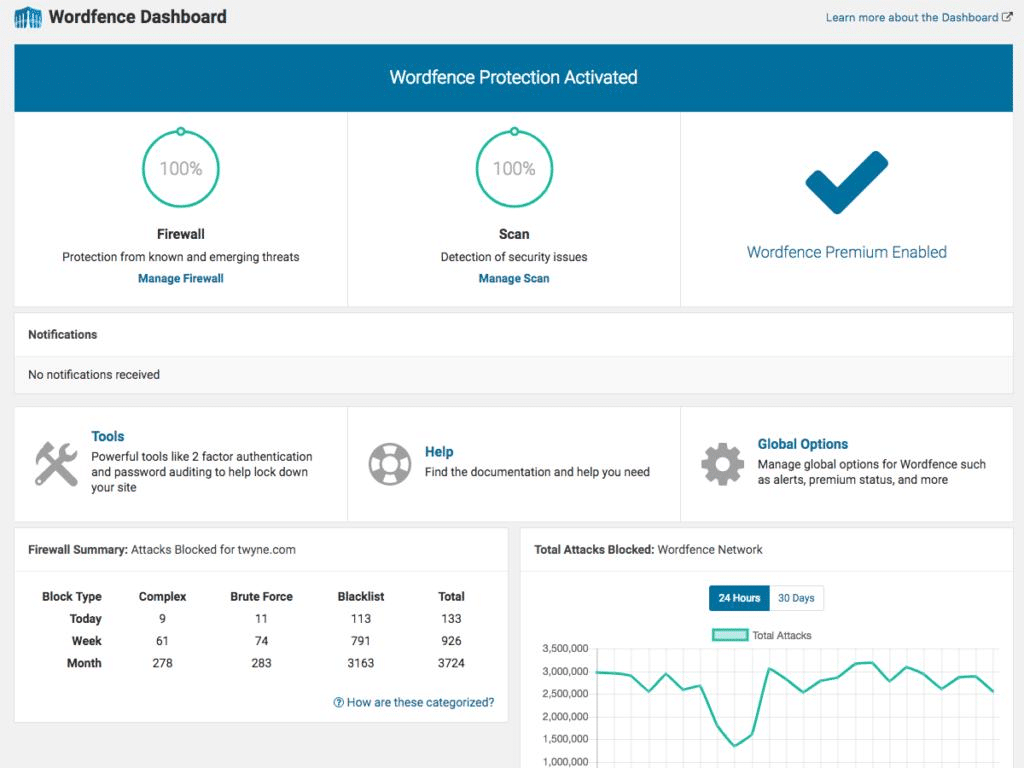
- Security: Ask what WordPress security measures are included, such as strong authentication, backups, firewall protection, updates, and access controls. Also ask who handles security after launch.
- SEO: Check whether the build includes a technical foundation for WordPress SEO, including clear headings, URLs, titles, XML sitemaps, and structured data where appropriate.

- Testing and recovery: Ask whether forms, checkout, login, mobile layouts, and key features were tested. Also ask what happens if a deployment causes a problem and whether a rollback process is available.
A reliable development partner should be able to provide clear answers to these checks and not vague promises. Check the shortlisted providers in the same way before you make a decision.
WordPress Scalability, Maintenance, and Support After Launch
After launch, you still need a team that understands your site and can handle changes as your requirements develop.
Scalability starts in the build. Ask whether the structure can take on new features without disrupting the live site and how the plan handles more traffic. Hosting, caching, and the number of plugins all affect how a site copes with growth. For stores, our guide to scaling WooCommerce covers each step.
Maintenance and support are separate jobs. WordPress maintenance is scheduled care that prevents problems, with tested updates, backups, security checks, and uptime monitoring.

WordPress support services are reactive. You contact the team when something breaks, and it resolves the problem. Most sites need both.

Before signing a development contract, get three points in writing. Who handles updates and backups? Who resolves technical problems, and how are support requests handled? How will the team communicate changes and report completed work?
WordPress Consultant vs Freelancer vs Agency: Which Should You Hire?
Once you know what the project needs, decide who should handle it. You can hire a WordPress consultant, a freelancer, or a website development company with a full team.
| Consultant | Freelancer | Agency | |
| Main role | Strategy and direction | Hands-on work by one person | Team-based delivery |
| Who builds | Your team | The freelancer | The agency’s specialists |
| Best fit | You already have builders | Smaller sites or focused tasks | Larger sites needing several skills |
| What to check | Who carries out the plan | Whether one person covers every skill | Who works on your project |
Our WordPress SEO consultant vs freelancer vs agency comparison shows how the same decision works for search work. A suitable development partner should be able to tell you clearly when your project needs more than one person.
Why Choose WooNinjas for WordPress Development Services?
WooNinjas provides a range of WordPress services covering development, customization, theme and plugin work, integrations, migration, speed optimization, security, SEO, maintenance, and ongoing support. Its WordPress-related services also include web design, dedicated WordPress developers, and other technical services for WordPress websites.
Every project begins with the client’s goals, required features, integrations, and performance expectations. WooNinjas takes these requirements and turns them into a technical plan, managing the development through to launch and providing access and documentation at handoff.
After the launch, continue with updates, fixes, and improvements. This means that businesses only need to work with one team when the website requires additional development or technical changes.
Key Takeaway
- Judge the company by evidence, such as relevant projects, not a long service list.
- Ask what was built from scratch and what used existing themes and plugins.
- Compare proposals on goals, testing, timeline, and support, not only price.
- Use custom development only where standard tools are insufficient.
- Choose headless only with a clear reason, since it means two systems to manage.
- Check performance, security, and SEO results before launch.
- Confirm who handles maintenance, support, and growth afterward.
- Match the provider to the project: consultant for strategy, freelancer for focused work, agency for larger builds.
Conclusion
Review relevant projects, ask what the team built, and compare proposals line by line. Test performance, security, SEO, and launch steps before you sign off, then confirm who handles maintenance, support, and growth afterward.
Those checks cover the build, the search setup, and the upkeep. WooNinjas leads with WordPress development and can also take on SEO and maintenance, so one team covers all three.
Planning a new WordPress website or upgrading an existing one? Review our WordPress development services and contact our team with your project requirements, goals, and technical needs.
FAQs
Why choose WordPress for website development?
WordPress is an open-source content management system. Teams can use existing themes and plugins, then add custom code when a project needs specific functionality.
Is WordPress still worth it in 2026?
Yes. WordPress is used by 43% of all websites as of October 8, 2026, and by 63% of websites with a known content management system. Whether it is the right choice still depends on your project requirements.
What should I check before hiring a WordPress development company?
Review relevant projects, confirm what the team actually built, compare proposals, and check the development and testing process. Also confirm who will handle support, maintenance, and future changes after launch.
How much does a WordPress development company cost?
The cost depends on the site’s design, features, custom development, integrations, and ongoing requirements. Compare the scope and deliverables in each proposal rather than looking only at the total cost.
Does WooNinjas provide WordPress development and related services?
Yes. WooNinjas provides WordPress development along with related services such as SEO, maintenance, support, security, integrations, migration, and other WordPress technical services.
Need Ongoing WordPress Maintenance & Support?
We handle updates, performance monitoring, security hardening, and technical fixes so your WordPress and WooCommerce site stays stable and secure.

How to Add SEO Keywords to WordPress Website (No Plugin Needed)
Where do SEO keywords go in WordPress? Ten keyword placements that matter, the mistakes that hurt rankings, and a checklist…
Read More...
Best WordPress SEO Plugins for 2026 (Honest Comparison Beyond Just Yoast vs Rank Math)
Compare the best WordPress SEO plugins for 2026, including Rank Math, Yoast SEO, AIOSEO, SEOPress, and The SEO Framework, plus…
Read More...
Best WordPress Themes for SEO in 2026 (Honest Comparison)
Compare Astra, GeneratePress, Kadence, and Blocksy for speed, schema, and SEO to choose the right WordPress theme for your site.
Read More...
